
Step 101
Install the kits
Open Extensions from your server page and install Website Builder and Telegram Bridge (all free). Each kit installs onto your POCKETCORP and adds its own page to your server page.
Guides Website
Answer a short brief, pick one of three designs and your site is live on your own server. From then on you change it from your phone.
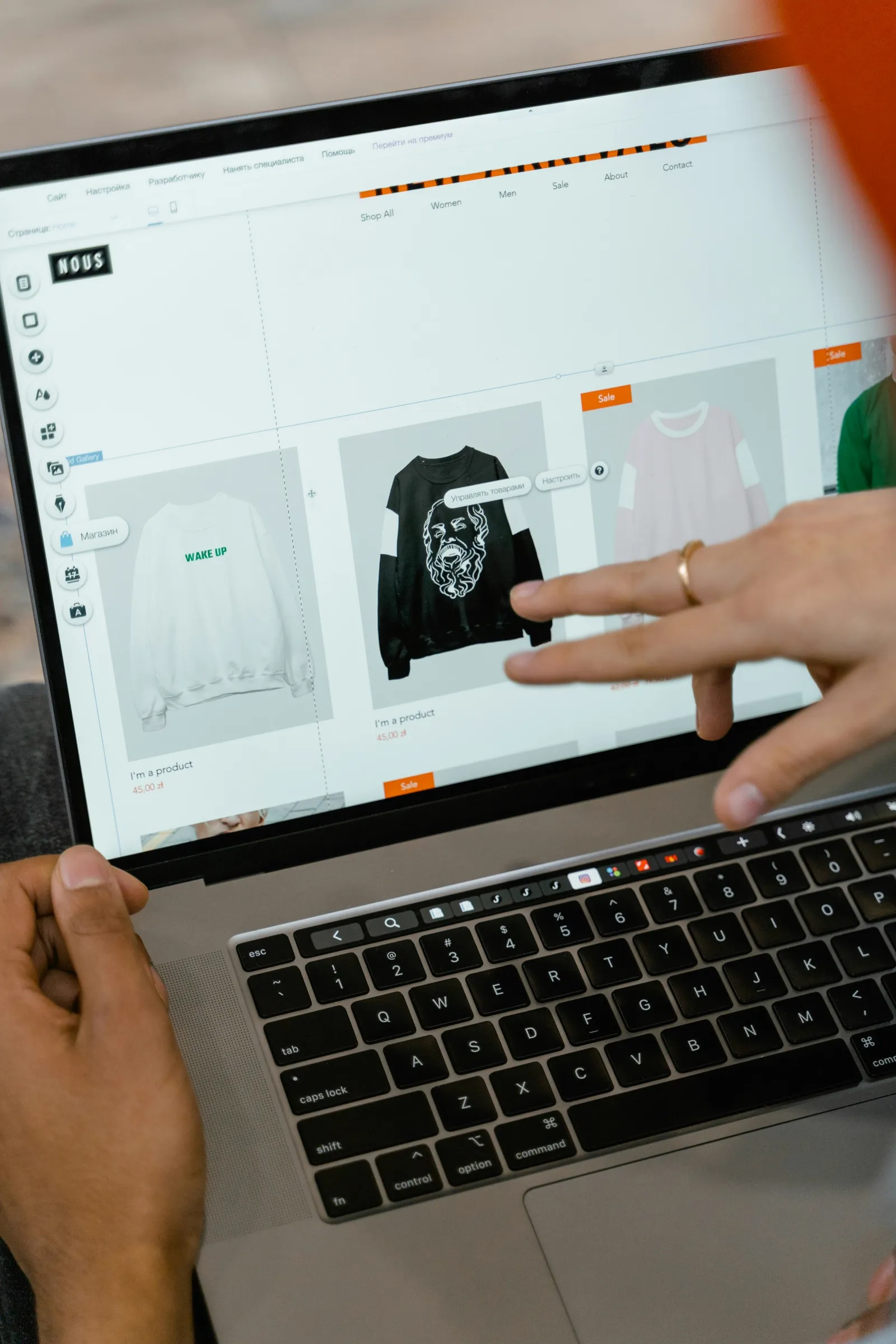
Website Builder turns your agent into your web designer and your server into the place the site lives. Answer a short brief, pick one of three genuinely different designs, and the whole site is written in it, with a real backend behind its forms from the first minute.
Updated 3 November 2026 · first published 10 July 2026
What to install
Kits install onto your POCKETCORP from Extensions, and each adds its own setup page to your server page.
Set it up
Open Extensions from your server page and install Website Builder and Telegram Bridge (all free). Each kit installs onto your POCKETCORP and adds its own page to your server page.
Open Website Builder from your server page. For a new site, answer about a dozen questions, one per screen: what you are building, for whom, the one thing a visitor should do, the pages, the feel, colour and type, and sites you like (it links to Godly, Awwwards and others for ideas). Switch on AI images if you want them, about $0.03 each from your agent’s credit.
Have a site already? Paste its address and it is copied exactly, every page, image and script, working from your server.
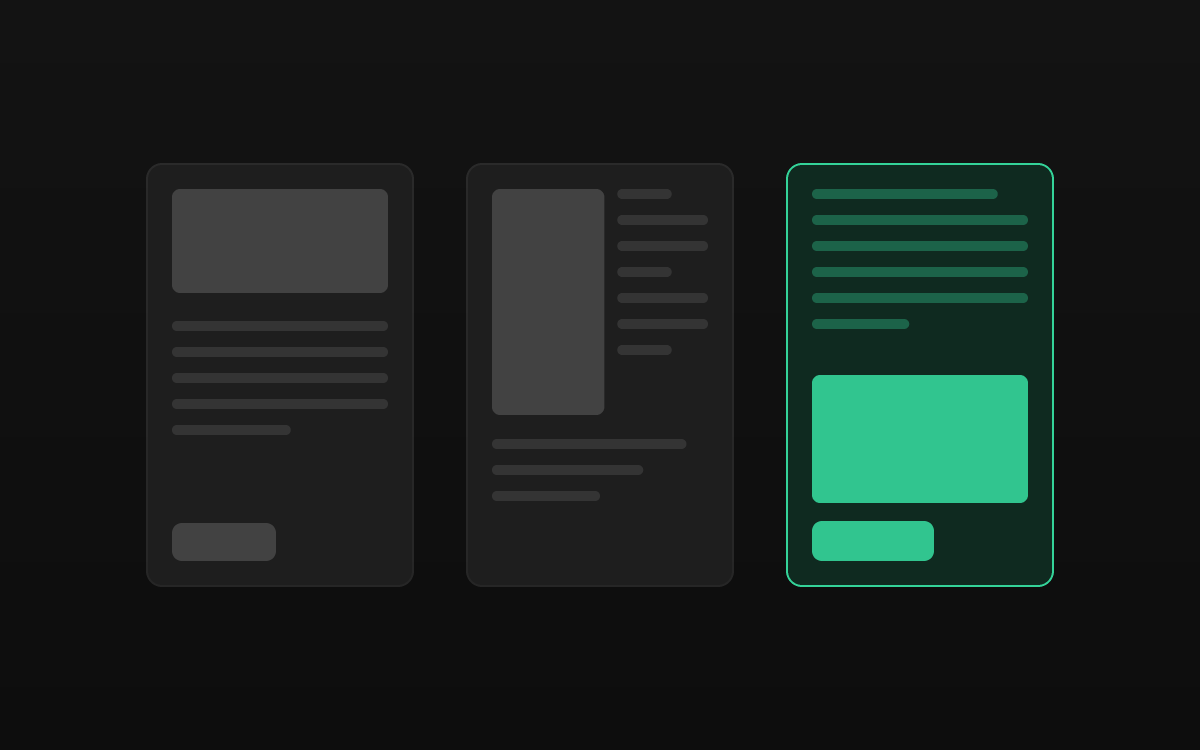
Three readings of your brief appear side by side, on desktop or phone: the straight one, one built around a single bold idea, and a counter-proposal. Pick one and every page is written in that design while you watch. None right? Say what to change and get three more.
One switch puts the site live over HTTPS at your POCKETCORP address. Point your own domain at it and the kit writes the nginx configuration and gets the certificate: one sudo approval.
Open the Telegram Bridge page from your server page, scan the code with your phone and tap Create bot in Telegram. Your agent now has a private bot that answers only you: no BotFather, no tokens to copy.
Then just ask
Send these to your agent in the chat on your POCKETCORP page, or from Telegram or WhatsApp. Change the details to yours.
Make the hero darker and change the headline to ‘Handmade stoneware from Graz’.
Add a pricing page with three packages in the same design, and link it in the menu.
Who filled in the contact form this week? Send me a summary every Monday morning from now on.
Take it further
The same setup, doing more: ask for these once it runs.
Add a ‘Book a consultation’ product for €90 and a pay button on the contact page. I’ve connected Stripe on the Payments tab.
Add a booking form for appointments that refuses double bookings, and email me each new booking.
Add a German version of every page, with a language switch in the menu.
The result
A website in your own design on your own domain, a backend behind its forms, and every change one message away.
 ShopA shop that runs itselfA real webshop with Stripe checkout on your server: your agent adds the products, handles the orders and buys stock with your approval.
 AppsYour app, live tonightDescribe a tool or bring the code you have: your agent builds it, keeps it running and puts it online at its own HTTPS address.
 ContentA content studio in your chatVideos, images and voice-overs on request: your agent makes them with Higgsfield and ElevenLabs and sends them to your phone for a yes.
Your website, built in an evening runs on a POCKETCORP: a computer of its own for your AI agent. Base is free for 14 days.