Step 101
Connect a coding agent (optional)
On your server page, connect Codex or Claude Code to your own plan: open the plug in the sidebar and sign in with the code it shows. Your agent can then delegate the coding to it.
Guides Apps
Describe a tool or bring the code you have: your agent builds it, keeps it running and puts it online at its own HTTPS address.

Every POCKETCORP is a server on the internet, and its agent knows how to put things online: it gives your app its own address under your server’s name, sets up the web server and HTTPS, and keeps the app running as a service. Bring an idea or the code you already have.
Updated 3 November 2026 · first published 10 August 2026
What to install
Kits install onto your POCKETCORP from Extensions, and each adds its own setup page to your server page.
Set it up
On your server page, connect Codex or Claude Code to your own plan: open the plug in the sidebar and sign in with the code it shows. Your agent can then delegate the coding to it.
Install PocketGit from Extensions (€9 once). One press downloads and starts the forge; pick the username and password you sign in with, and that is the setup. Registration is off and repositories are private from the start.
Tell your agent what the app should do, or point it at your code: a repository, or a zip in your files. The prompts below are a start.
Then just ask
Send these to your agent in the chat on your POCKETCORP page, or from Telegram or WhatsApp. Change the details to yours.
Build a small booking tool for my studio: a public page with the free slots and a form, and an admin page behind a password. Keep the code in PocketGit and put it online at its own address with HTTPS.
Clone github.com/me/my-app into PocketGit, run it as a service and put it online with HTTPS.
Is the app running? Show me the last errors in its log and fix anything that is broken.
Take it further
The same setup, doing more: ask for these once it runs.
Put the app on app.mydomain.com: tell me the DNS record to set, then set up the site and the certificate.
Add a Forgejo Actions workflow to the repository that runs the tests on every push.
Back up the app’s database every night and keep the last 14 days.
The result
Your app on the internet with HTTPS tonight, its code in a forge you own, and an agent that keeps it running.
 CodeA coding team on your serverConnect Codex or Claude Code to your own plan, add a git forge of your own, and hand your agent the coding work from any device.
 GamingThe Minecraft AI serverOne click sets up a Paper server with a control panel. Then you ask your agent for plugins, datapacks and bosses while you play.
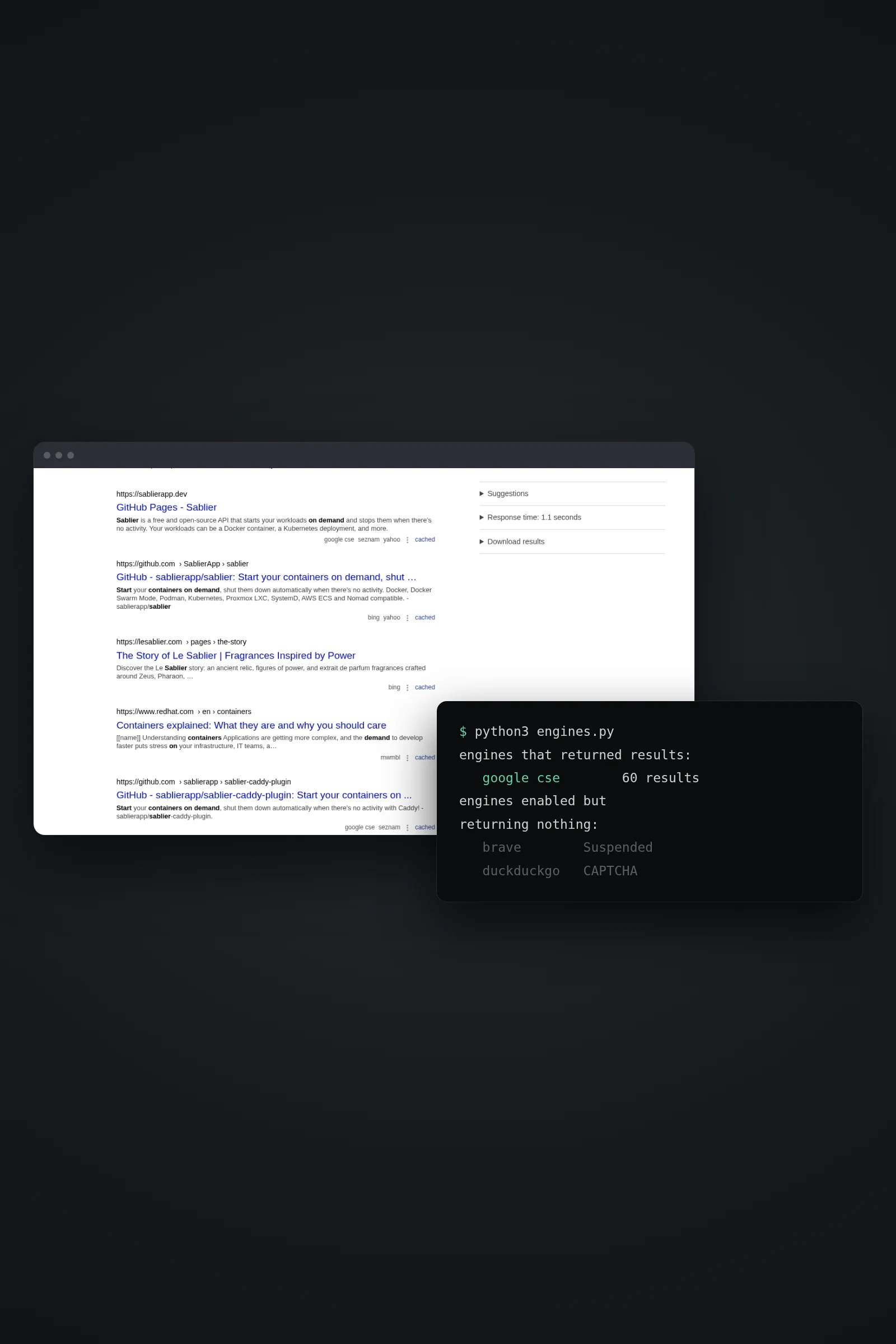 SearchSearXNG: web search your agent ownsSelf-host SearXNG with Docker, switch on the JSON API and give your agent web search over MCP — no per-query bill, and no silent collapse to one engine.
Your app, live tonight runs on a POCKETCORP: a computer of its own for your AI agent. Base is free for 14 days.