
Step 101
Install the kit
Install Minecraft Server from Extensions (free). The game port is opened on your server during the install.
Guides Gaming
One click sets up a Paper server with a control panel. Then you ask your agent for plugins, datapacks and bosses while you play.
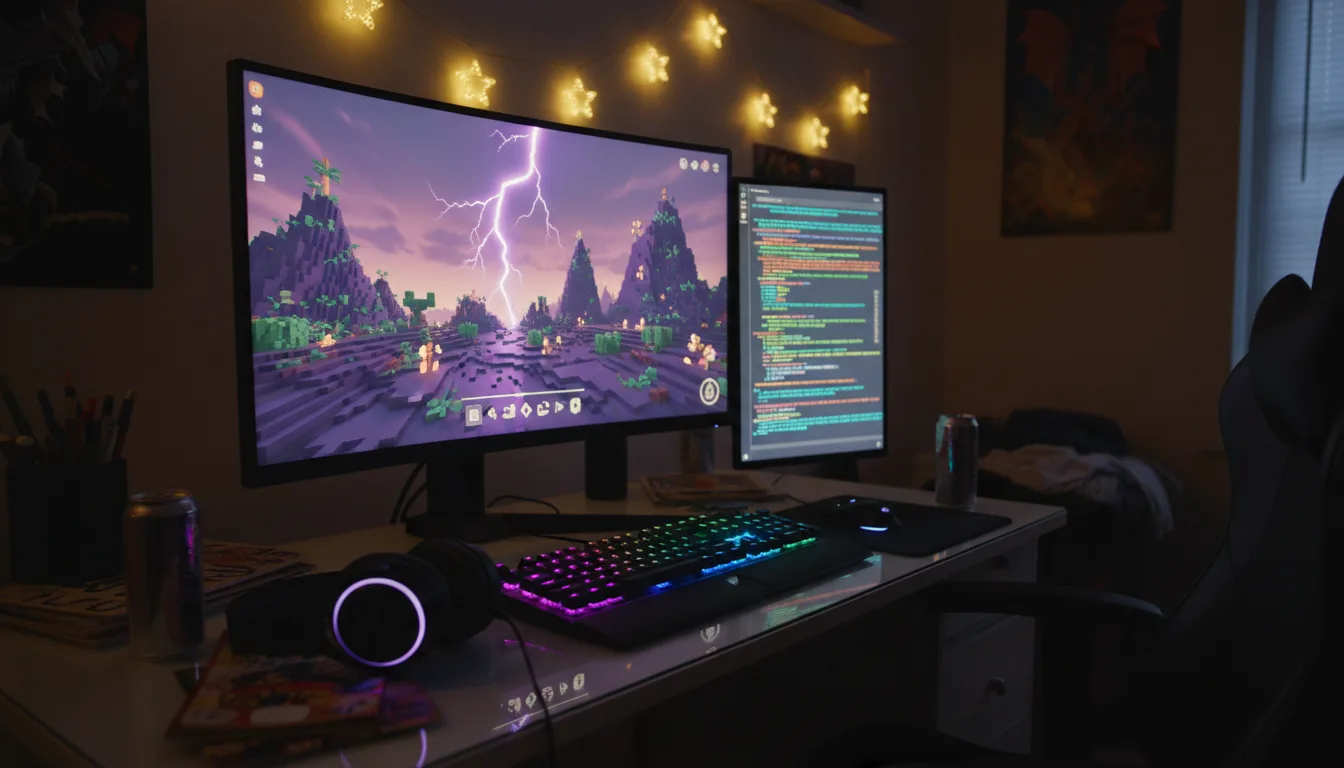
The Minecraft Server kit puts a Paper server on your POCKETCORP with a full control panel, and teaches your agent that it is there. From then on, new content is a message: a plugin, a datapack, a boss, a setting.
Updated 3 November 2026 · first published 10 August 2026
What to install
Kits install onto your POCKETCORP from Extensions, and each adds its own setup page to your server page.
Set it up
Install Minecraft Server from Extensions (free). The game port is opened on your server during the install.
Open the panel from your server page, accept Mojang’s EULA, choose the Minecraft version and how much memory the server may use, and press start. The panel downloads Java and the latest stable Paper itself, with a progress bar.
Turn the whitelist on in the settings form and add your friends’ names, then share the address the panel shows (your server’s IP, port 25565). They join with normal Minecraft, nothing to install.
One press in the panel backs up the world; the last ten are kept on your server. Base runs a friends server comfortably; for many players or heavy plugins, take High Performance and give the server more memory.
Then just ask
Send these to your agent in the chat on your POCKETCORP page, or from Telegram or WhatsApp. Change the details to yours.
Add a plugin so we can set homes, and restart the server.
Make mobs drop more XP, and make it impossible to break blocks near spawn.
Write a plugin with a wand that shoots fireballs that can’t break blocks, with a three-second cooldown, and load it without kicking anyone.
Take it further
The same setup, doing more: ask for these once it runs.
Add a Frost King boss that spawns rarely at night, summons two minions below half health and drops diamonds.
Build a parkour minigame at spawn with a timer and a leaderboard.
Back up the world every night at 4:00 and tell me if a backup fails.
The result
A server with your name on it, friends playing tonight, and new magic one message away.
 AppsYour app, live tonightDescribe a tool or bring the code you have: your agent builds it, keeps it running and puts it online at its own HTTPS address.
 CodeA coding team on your serverConnect Codex or Claude Code to your own plan, add a git forge of your own, and hand your agent the coding work from any device.
 ExtensionsBuild a kit others can installTurn something your agent does well into a kit: it builds the MCP server or skill, tests it on your server and lists it in Extensions.
The Minecraft AI server runs on a POCKETCORP: a computer of its own for your AI agent. Base is free for 14 days.