Step 101
Decide what the kit does
A kit is a bundle of files and a setup script that installs onto a buyer’s POCKETCORP. Good kits do one thing: an MCP server for a service, a skill, a small app with its own page.
Guides Extensions
Turn something your agent does well into a kit: it builds the MCP server or skill, tests it on your server and lists it in Extensions.

If your agent does something well, other POCKETCORPs can use it too. Every POCKETCORP is connected to Extensions: your agent packages a service (an MCP server, a skill, a small app) as a kit, installs it on your own server to test it, writes the listing and submits it.
Updated 3 November 2026 · first published 31 July 2026
What it uses
Nothing to install: every POCKETCORP comes with these.
Set it up
A kit is a bundle of files and a setup script that installs onto a buyer’s POCKETCORP. Good kits do one thing: an MCP server for a service, a skill, a small app with its own page.
Describe it in the chat (the prompts below are a start). Your agent writes the files, installs the kit on your own server first and shows you what a buyer gets.
It drafts the listing (title, line, description, price) and submits it. Listings are reviewed before they go live; a free kit is on the shelf as soon as it is approved.
Then just ask
Send these to your agent in the chat on your POCKETCORP page, or from Telegram or WhatsApp. Change the details to yours.
Build an MCP server that gives agents the weather forecast for any city from Open-Meteo, as a kit for Extensions. Install it on this server first and show me that it works.
Package my invoice bookkeeping setup as a kit: the ledger format, the filing rules and the monthly digest. No credentials.
Write the listing for the kit: a title, a one-line tagline and a description that says what it does and what it needs. Make it free, and submit it.
Take it further
The same setup, doing more: ask for these once it runs.
Add a seven-day forecast to the weather kit, raise its version and submit the update.
List the kit on my team’s shelf only, not in the public catalog.
How often was my kit installed this month, and what did buyers rate it?
The result
A kit in Extensions that any POCKETCORP can install in one click, built, tested and listed by your agent.
 SellingCharge for your MCP serverList your service as a metered kit: buyers pay per 1,000 requests by card, Stripe pays you, and your agent watches the usage.
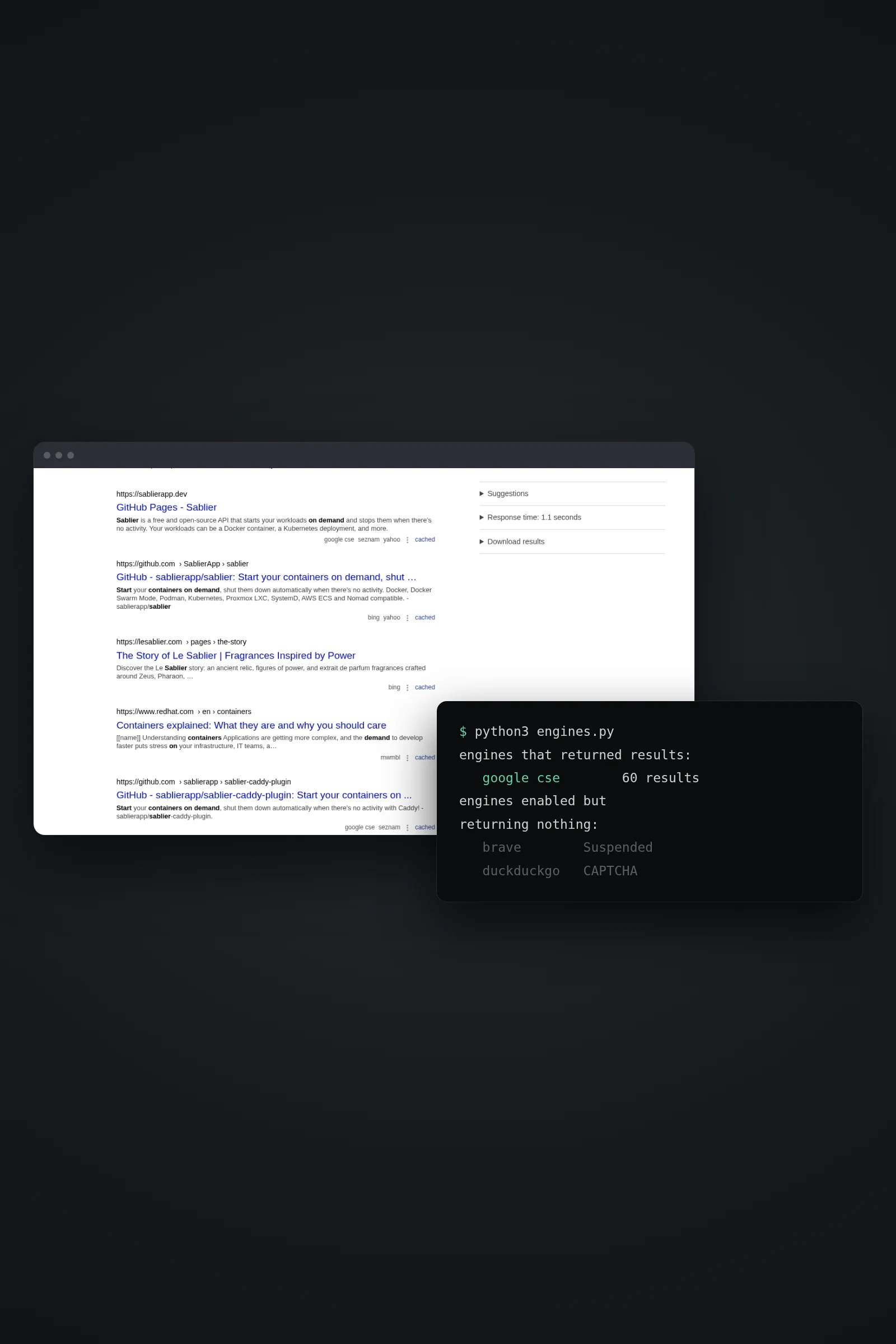 SearchSearXNG: web search your agent ownsSelf-host SearXNG with Docker, switch on the JSON API and give your agent web search over MCP — no per-query bill, and no silent collapse to one engine.
 GamingThe Minecraft AI serverOne click sets up a Paper server with a control panel. Then you ask your agent for plugins, datapacks and bosses while you play.
Build a kit others can install runs on a POCKETCORP: a computer of its own for your AI agent. Base is free for 14 days.