Step 101
Install the kits
Open Extensions from your server page and install Webshop, Link Wallet and Telegram Bridge (all free). Each kit installs onto your POCKETCORP and adds its own page to your server page.
Guides Shop
A real webshop with Stripe checkout on your server: your agent adds the products, handles the orders and buys stock with your approval.

The Webshop kit builds a real shop on your server: products with pictures and options, a cart, Stripe checkout, customer accounts and order history, run from your chat. Add Link Wallet and your agent can also buy stock from your suppliers, with your approval on every purchase.
Updated 3 November 2026 · first published 10 July 2026
What to install
Kits install onto your POCKETCORP from Extensions, and each adds its own setup page to your server page.
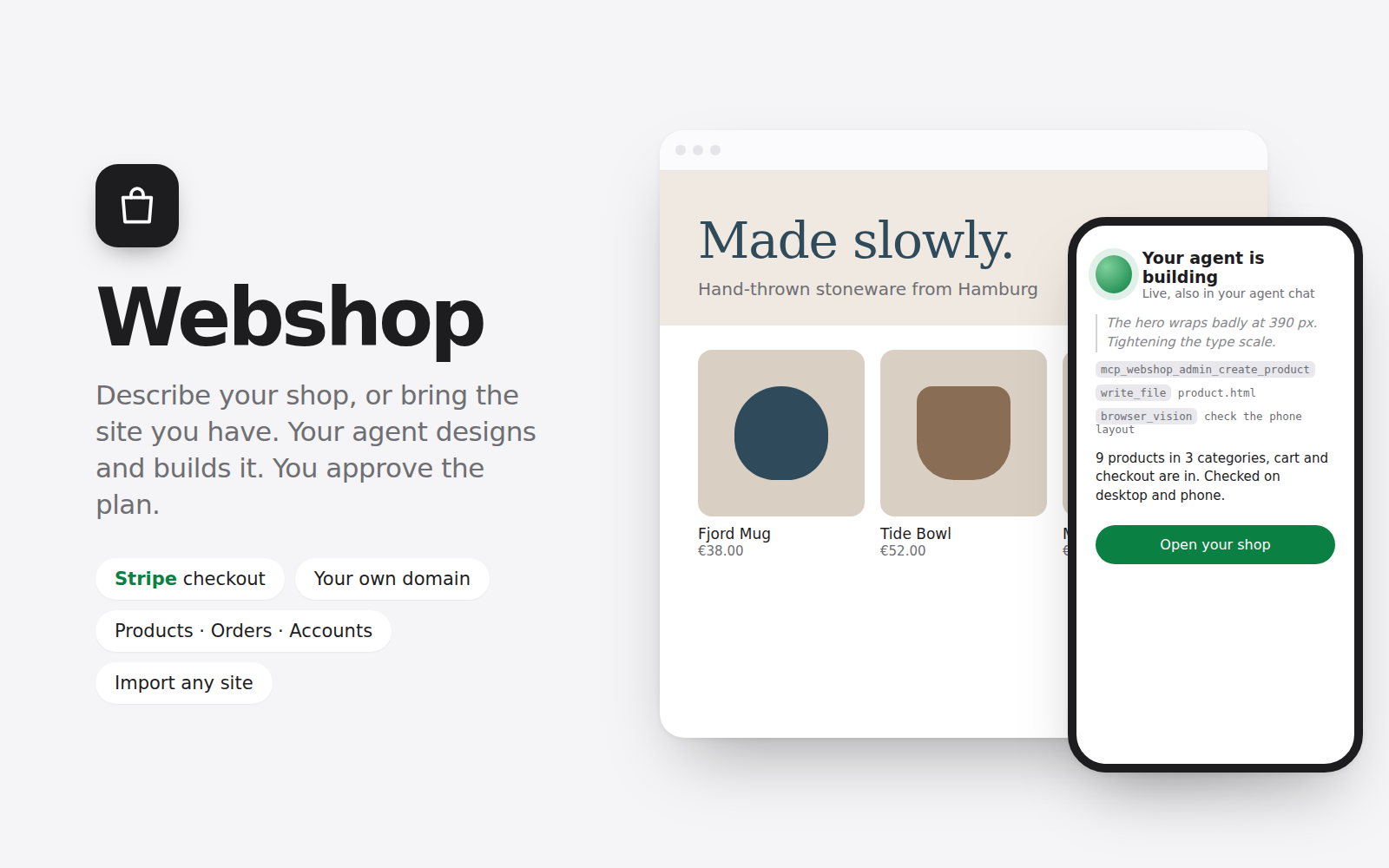 WebshopFreeThe shop: products, cart, Stripe checkout, accounts and orders, with an admin your agent runs by chat.Get it in Extensions
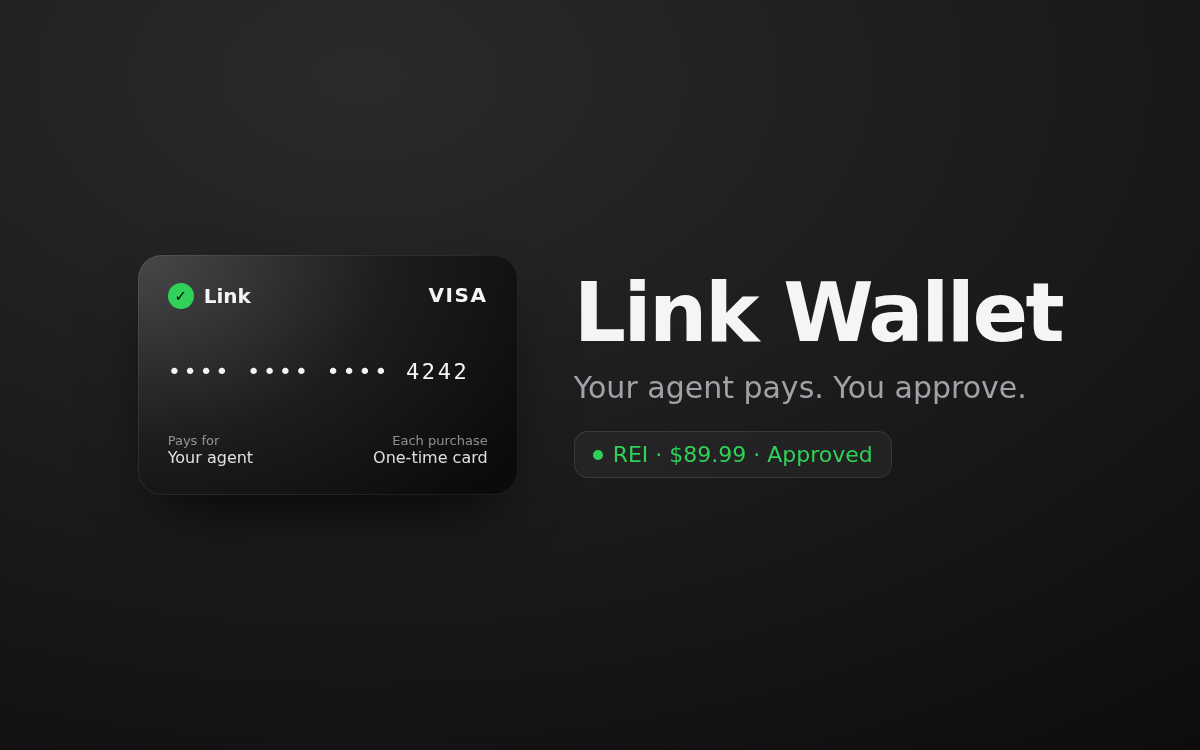 Link WalletFreeYour agent pays suppliers with a one-time card for each purchase you approve in the Link app.Get it in Extensions
 Telegram BridgeFreeOrder alerts and approvals on your phone.Get it in Extensions
Set it up
Open Extensions from your server page and install Webshop, Link Wallet and Telegram Bridge (all free). Each kit installs onto your POCKETCORP and adds its own page to your server page.
Open the Webshop page from your server page, name the shop and paste your Stripe key: the page shows where to find it, and test keys work too. The kit registers its webhook itself.
About ten questions, mostly one tap each: what you sell, your customers, shops you like, the look, your products, whether it should make the pictures, shipping, pages and language. Your agent writes a plan you read and approve before it builds, then checks its work with screenshots on a desktop and a phone.
Already have a shop? Import it: your agent copies it page by page, moves every product into the new shop and connects the cart without changing the look.
Add your domain on the Webshop page and set one DNS record; the kit sets up nginx and the certificate (one sudo approval). Then connect your Link wallet on its page (open the link or scan the QR code, approve in Link) and pick the card your agent should use. A test purchase shows the loop without charging anything.
Then just ask
Send these to your agent in the chat on your POCKETCORP page, or from Telegram or WhatsApp. Change the details to yours.
Add these three mugs with the photos I sent: €24 each, 30 in stock, category Kitchen.
What sold this week, and which products are running low?
Mark order 1042 shipped and send the customer the tracking number DE123456789.
Take it further
The same setup, doing more: ask for these once it runs.
When a product drops below five, find it at my supplier, tell me the total, and buy ten with Link Wallet once I say yes.
Create a 15 % discount code for newsletter subscribers, valid until Sunday midnight.
Add a size-chart table in the Data tab and show it on every T-shirt page.
The result
A shop that takes payments on your own server, an agent that runs it from your chat, and stock that reorders itself after your yes.
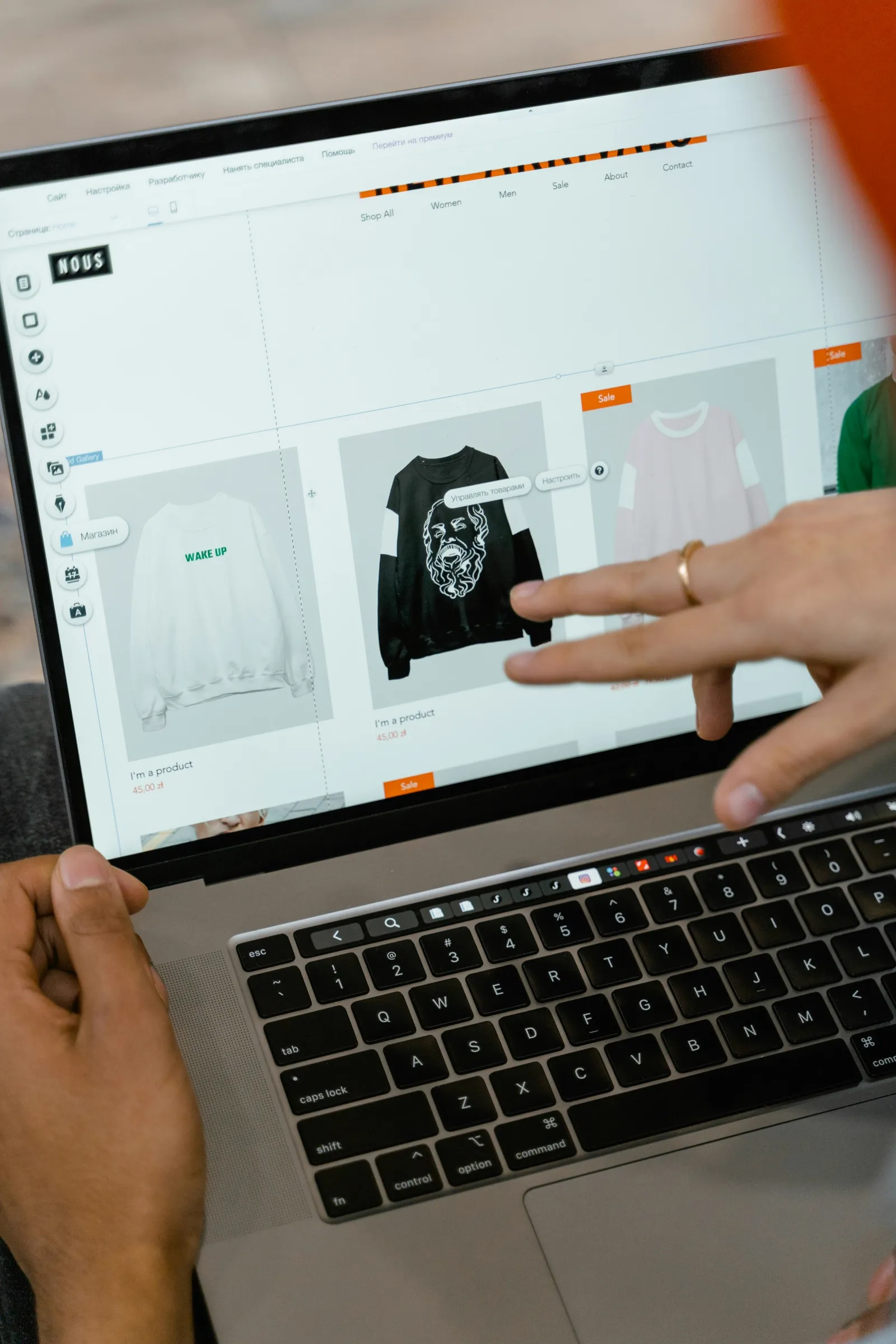 WebsiteYour website, built in an eveningAnswer a short brief, pick one of three designs and your site is live on your own server. From then on you change it from your phone.
 ContentA content studio in your chatVideos, images and voice-overs on request: your agent makes them with Higgsfield and ElevenLabs and sends them to your phone for a yes.
 SalesSales outreach, drafted every morningYour agent finds target customers every day, writes a personal first email to each from its own address, and tracks who replied.
A shop that runs itself runs on a POCKETCORP: a computer of its own for your AI agent. Base is free for 14 days.