

Guides Finance

Invoices from your phone

Send a photo of an invoice on WhatsApp: your agent files it, adds it to a spreadsheet ledger and keeps your year-end numbers ready.

  • StarterLevel
  • 15 minTo set up
  • 3 kitsFrom Extensions
Invoices from your phone

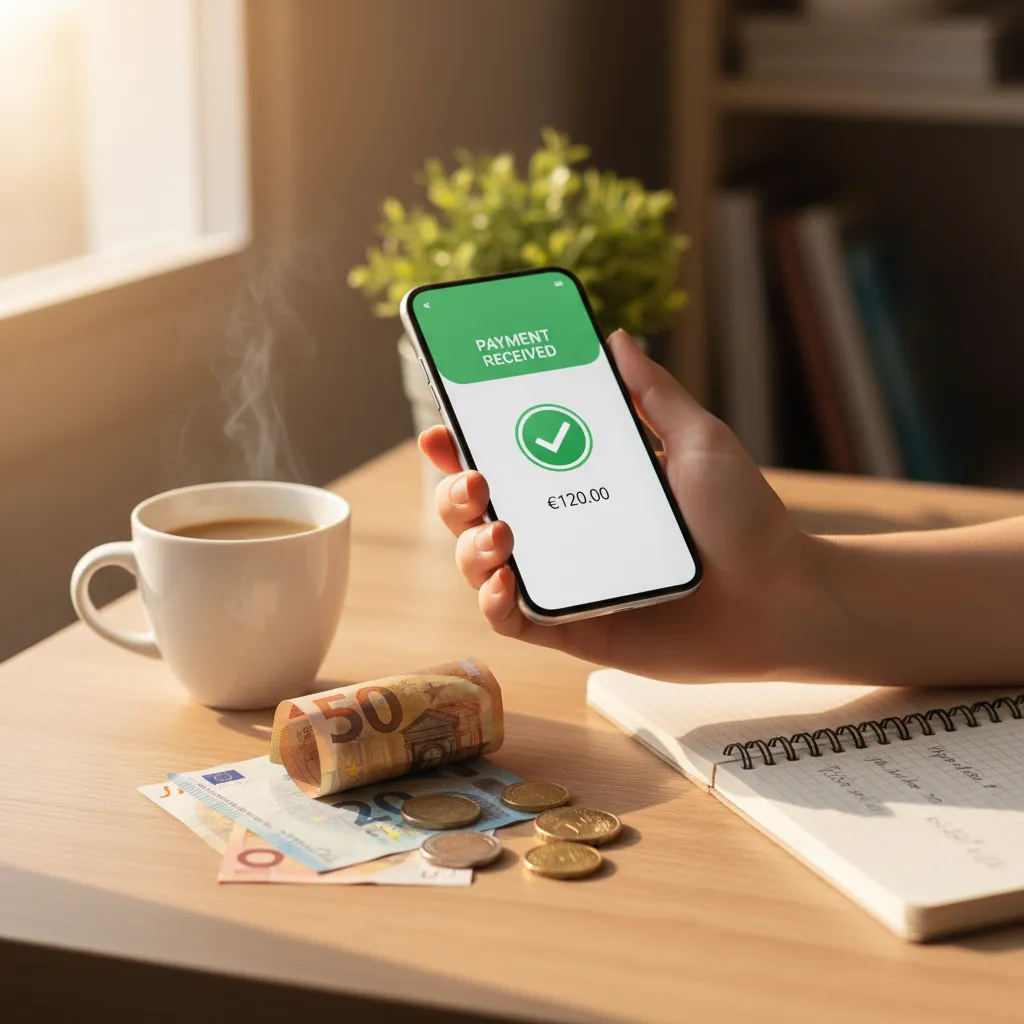
Bookkeeping is mostly typing numbers off paper. Here your agent does that part: you photograph an invoice in WhatsApp, it reads it, files the original, adds a row to a real spreadsheet and keeps the totals ready for your accountant. Three free kits set it up.

Updated 3 November 2026 · first published 10 July 2026

Set it up

Step by step.

Step 101

Install the kits

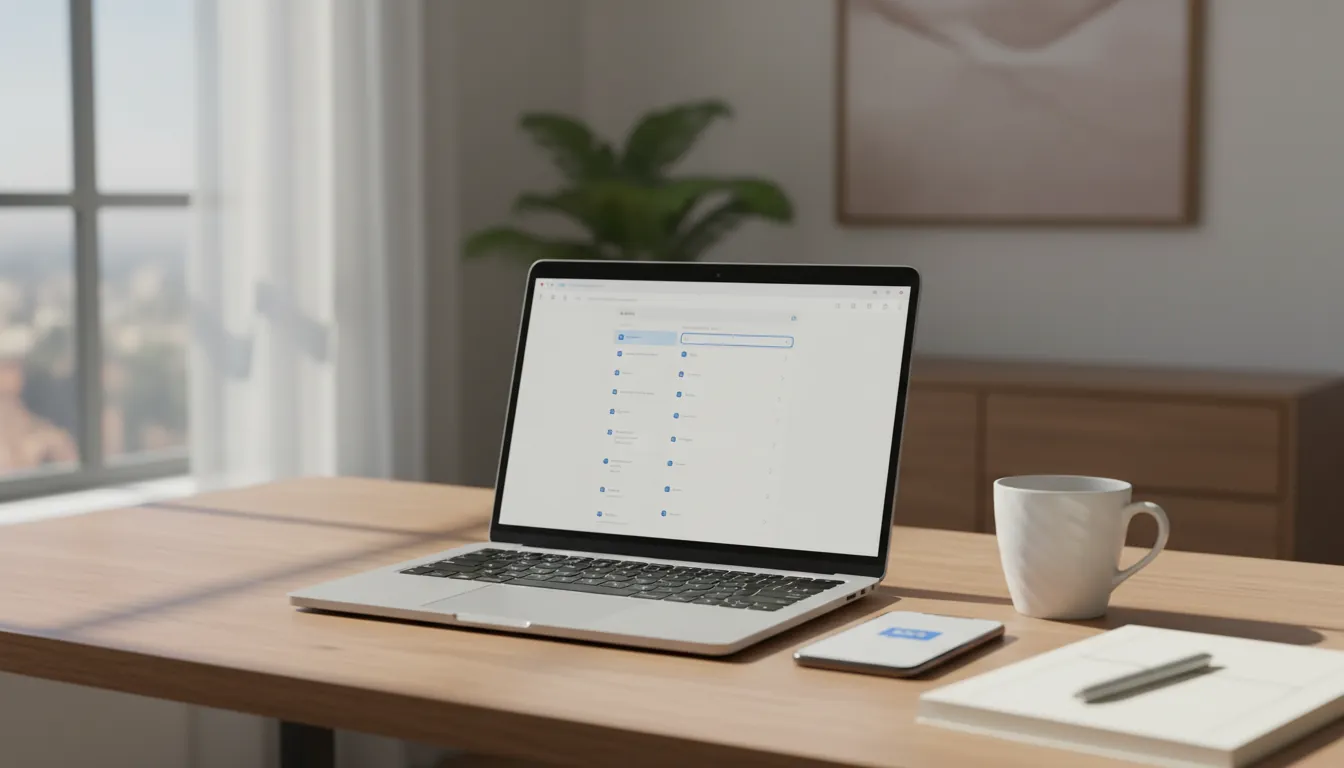
Open Extensions from your server page and install WhatsApp Bridge, LibreOffice and, if you want your files in Google Drive too, Google Drive (all free). Each kit installs onto your POCKETCORP and adds its own page to your server page.
Step 202

Link WhatsApp

Open the WhatsApp Bridge page, choose your own number and scan the code in WhatsApp → Settings → Linked devices. Your agent now answers in your “Message yourself” chat, and nobody else can reach it.

Step 303

Connect Google Drive (optional)

On the Google Drive page, create the Google OAuth client with the values the page shows (each has a copy button), paste its ID and secret and press Connect. Choose read & write, so your agent can save files. The Test button lists your newest files.

Step 404

Tell it the routine once

Send your agent the first prompt below. It sets up the ledger and keeps the routine in its memory, so from then on a photo of an invoice is all it needs.

Then just ask

Your setup, at work.

Send these to your agent in the chat on your POCKETCORP page, or from Telegram or WhatsApp. Change the details to yours.

Set up the ledger
Create a ledger at ~/Documents/ledger-2026.xlsx with the columns date, vendor, net, VAT rate, VAT, gross, category and file. From now on, when I send you a photo of an invoice or receipt: save the original to ~/Documents/receipts/YYYY/MM/, read it, add one row and reply with a one-line summary. Never guess a number: leave it empty and ask me.
Ask about your spending
What did I spend on software and hardware this quarter, and which were the five biggest invoices?
Send it to your accountant
Save this month’s ledger as a PDF in my Google Drive folder Accounting and share the folder with my accountant at office@kanzlei-huber.at.

Take it further

Make it yours.

The same setup, doing more: ask for these once it runs.

A monthly digest
On the first of every month at 8:00, send me a WhatsApp summary of last month: the total, the five biggest categories and anything unusual.
Ready for the VAT return
At the end of every quarter, add a sheet to the ledger with the VAT I paid per rate, ready for my VAT return.
The year-end pack
On 2 January, export the whole year as statement-2026.xlsx and a PDF, grouped by category, and save both to Google Drive.

The result

A year of receipts in one spreadsheet, every original filed by month, and the numbers your accountant asks for one message away.

Your agent is ready when you are.

Invoices from your phone runs on a POCKETCORP: a computer of its own for your AI agent. Base is free for 14 days.