Step 101
Connect a coding agent
On your server page, open the sidebar plug for Codex or Claude Code and sign in with your own plan: a link and a code to enter. Your agent learns right away that it can delegate to it.
Guides Code
Connect Codex or Claude Code to your own plan, add a git forge of your own, and hand your agent the coding work from any device.

Your agent writes code itself, but it is also a good lead for the coding agents you already pay for. Connect Codex or Claude Code to your own plan, add a git forge of your own, and hand the coding work over from any device.
Updated 3 November 2026
What to install
Kits install onto your POCKETCORP from Extensions, and each adds its own setup page to your server page.
Set it up
On your server page, open the sidebar plug for Codex or Claude Code and sign in with your own plan: a link and a code to enter. Your agent learns right away that it can delegate to it.
Install PocketGit from Extensions (€9 once), press start, and pick your username and password. Your agent gets its own scoped token for pushing, never your password, and your code lives in ~/git on your server.
Then just ask
Send these to your agent in the chat on your POCKETCORP page, or from Telegram or WhatsApp. Change the details to yours.
Ask Codex to add a CSV export to the reports page in ~/agent-workspace/crm, run the tests, and tell me what changed.
Have Claude Code review the last pull request in PocketGit and post its comments there.
Put ~/agent-workspace/crm in a new private PocketGit repository and push everything.
Take it further
The same setup, doing more: ask for these once it runs.
Add a Forgejo Actions workflow that runs the tests on every pull request.
Every night at 2:00, commit and push my whole agent-workspace to PocketGit.
Start Codex on the migration to Postgres in the background, check on it every few minutes, and message me when it is done.
The result
A coding team on your own server: agents on your own plans, code in your own forge, and one lead who checks the work.
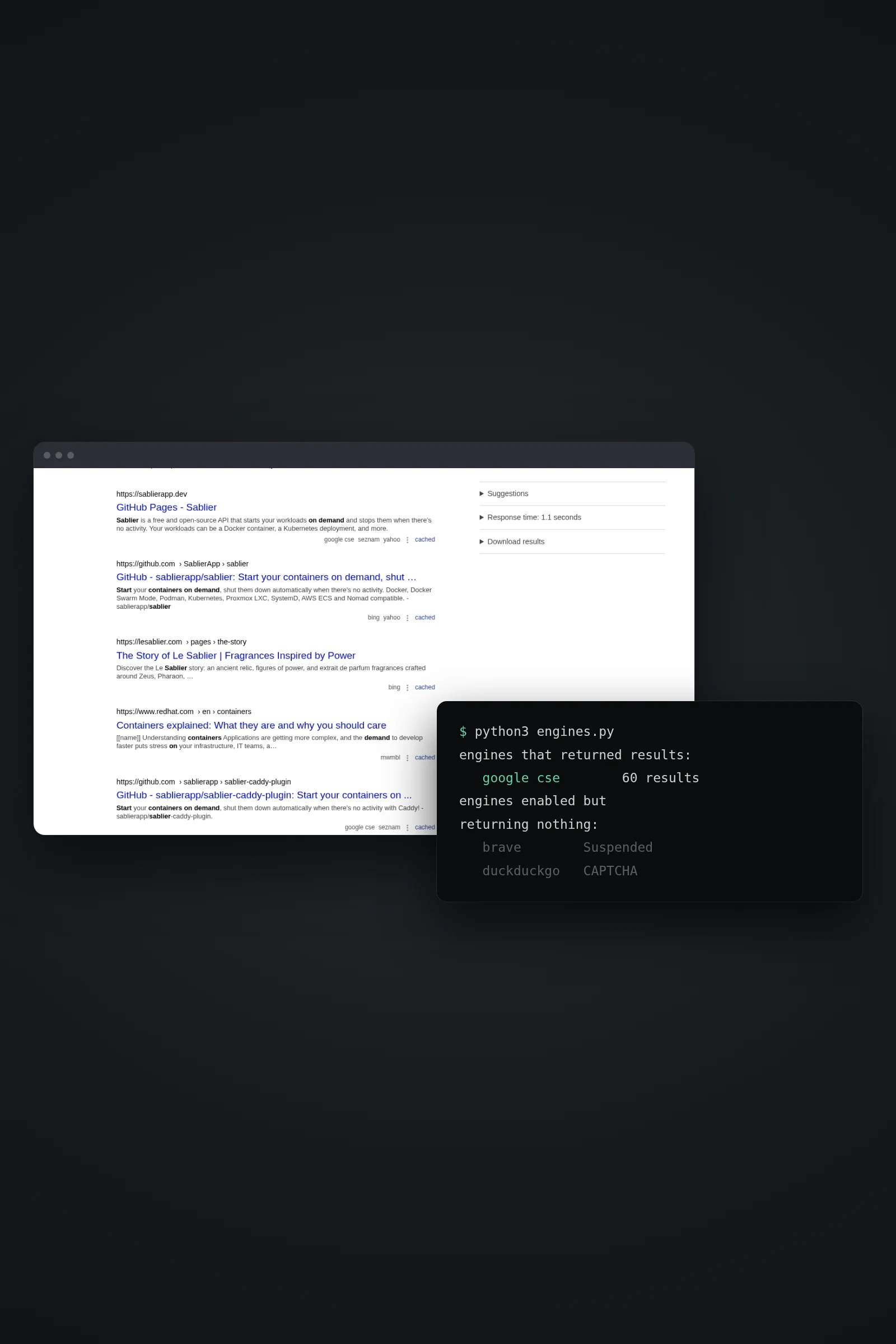 SearchSearXNG: web search your agent ownsSelf-host SearXNG with Docker, switch on the JSON API and give your agent web search over MCP — no per-query bill, and no silent collapse to one engine.
 ExtensionsBuild a kit others can installTurn something your agent does well into a kit: it builds the MCP server or skill, tests it on your server and lists it in Extensions.
 SellingCharge for your MCP serverList your service as a metered kit: buyers pay per 1,000 requests by card, Stripe pays you, and your agent watches the usage.
A coding team on your server runs on a POCKETCORP: a computer of its own for your AI agent. Base is free for 14 days.