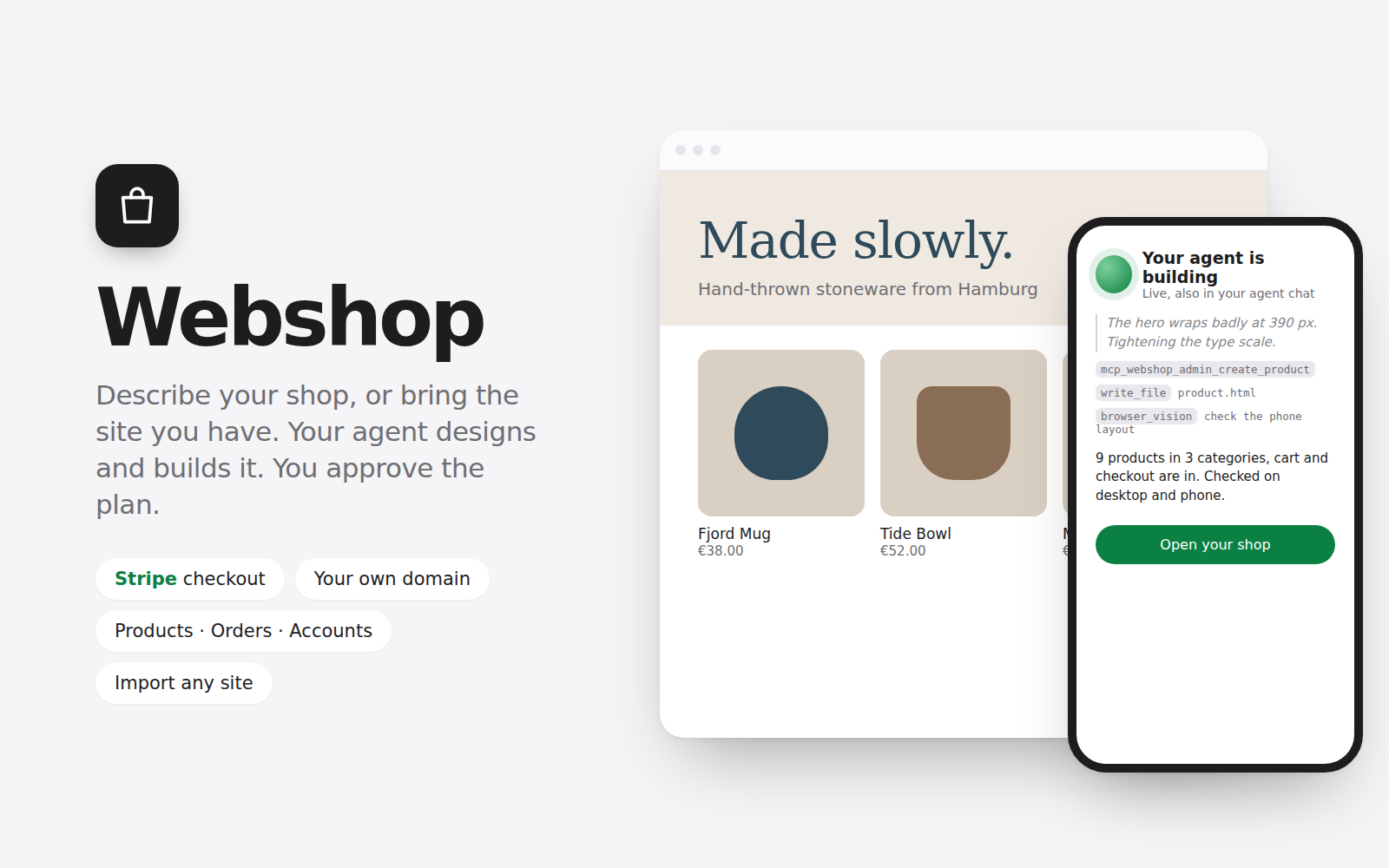
Describe your shop in a few sentences, or give the address of the site you already have, and your POCKETCORP agent builds a working webshop on your server: products with pictures and options, categories, content pages, a cart, Stripe checkout, customer accounts and order history.
Setup is three steps on a page linked from your server page: name the shop, paste your Stripe key (the page shows where to find it; test keys work too), then answer your agent's brief or import your site. The brief is a short interview: your agent asks about ten questions, one at a time and mostly one tap each (what you sell, your customers, websites you like, the look, your products, whether it should create the pictures, features, shipping, pages, language), in under ten minutes. Then it writes a plan you can read, edit or send back. Only when you approve it does it build. You watch it work live on the setup page, and the same session shows up as a "Webshop" tab in your POCKETCORP agent chat. It finishes by checking its work with screenshots on a desktop and a phone.
Import mode copies your existing site page by page (pictures, styles, scripts, phone version), then your agent moves every product it finds into the shop and connects the cart and checkout without changing the look, and compares screenshots of the original and the copy.
What you get
- The shop at its own pocketcorp.agency address, with HTTPS, from the first minute
- Your own domain: add it on the page, set one DNS record, and the kit sets up nginx and a free Let's Encrypt certificate (one sudo approval)
- Payments through your own Stripe account (Stripe Checkout, discount codes, refunds); the kit registers its webhook itself
- Guest checkout and customer accounts with order history
- A REST API (FastAPI, documented at /api/docs) with an admin side protected by API keys, and the same admin endpoints as an MCP server that the kit connects to your Hermes agent, so you can run the shop by chat: "add these three mugs", "what sold this week?", "mark order 1042 shipped"
- A Data tab for the whole shop database: edit any table, add your own tables and columns (events, opening hours, a size chart…) and let the storefront read them; plus orders and settings
How it works: the shop is a FastAPI + SQLModel app with a SQLite database, installed in its own Python environment. Your data stays in ~/webshop on your server and is kept if you uninstall. The kit installs the frontend-design skill and a webshop skill into Hermes and adds a note to AGENTS.md. The agent's work runs on your own agent tokens.
Outbound connections: pypi.org (installing the shop's Python packages), api.stripe.com (payments), the site you import (only when you import one), api.ipify.org (to show your server's address for the DNS record), and pocketcorp.agency (the chat tab).
Requires the Hermes agent (choose Hermes when deploying a POCKETCORP) and a Stripe account to take payments. Installing asks for one sudo approval on your dashboard, for the shop's background service; turn on auto-approval first for a hands-free install.