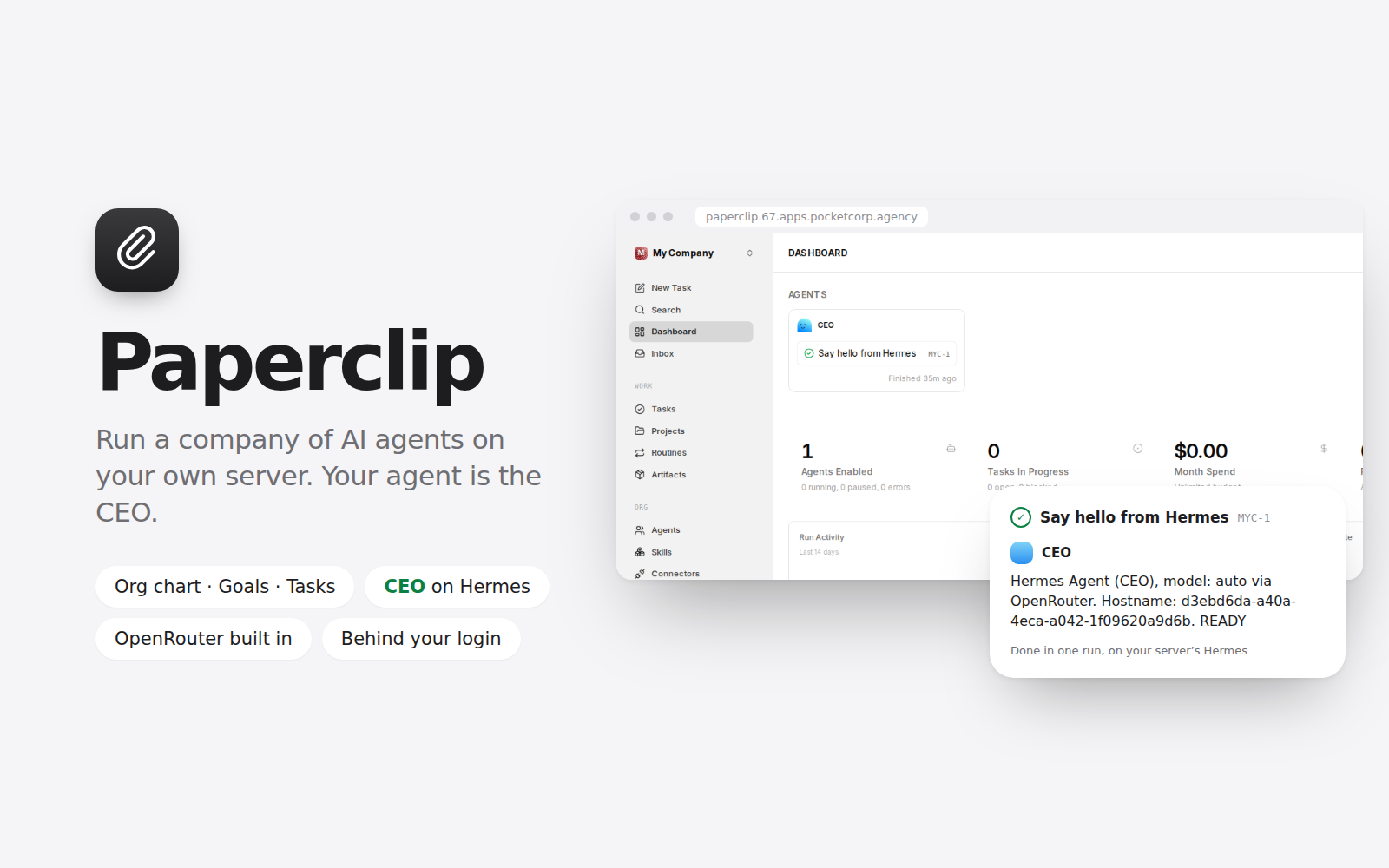
Paperclip is the open-source app for running a company of AI agents: an org chart, goals, tasks, budgets and approvals, with every agent's work, cost and history in one place. This kit installs it on your POCKETCORP and sets it up for you, so the first thing you see is a working organization, not a setup screen.
What you get
- Paperclip, linked as "Paperclip" on your server page, behind your POCKETCORP login: only you (and the team you share the server with) can open it, and there is no second password
- An organization with a CEO agent that runs on Hermes, the agent already on your server, with its tools, memory, skills and model. Give it a goal or a task and watch it plan, work and report
- Your server's OpenRouter key, the one POCKETCORP gave your server, saved in Paperclip as a shared connection: hire more agents on Claude Code, Codex, OpenCode or Hermes and pick any OpenRouter model, without pasting a key. Their usage is paid from your server's tokens, like your agent's
- Paperclip's own features: projects and goals, task threads, routines on a schedule, skills, company and agent budgets, approvals, activity history, and more organizations when you need them
- Your agent knows about Paperclip too: ask it in any chat to add a task or tell you what your company is working on
How it works: the kit installs Paperclip (paperclip.ing, MIT licence) from npm with its own Node.js 24, as a service bound to your server only. POCKETCORP's login gate sits in front of it, so Paperclip runs in its single-user mode with no login of its own. Its data (the organizations, agents, tasks and an embedded PostgreSQL database with hourly backups) stays in ~/.paperclip on your server. Telemetry and update checks are switched off; new Paperclip versions arrive as kit updates.
Requires the Hermes agent (choose Hermes when deploying a POCKETCORP) and about 3 GB of free disk: Paperclip ships the agent runtimes it can drive. The base plan is enough. Installing takes about ten minutes and asks for one sudo approval on your dashboard, for the background service; turn on auto-approval first for a hands-free install. During install the server downloads Node.js from nodejs.org and Paperclip from npm. Agents spend tokens only when they work: heartbeats are off until you turn them on. Uninstalling removes the program and keeps your Paperclip data, so a reinstall picks it up again.