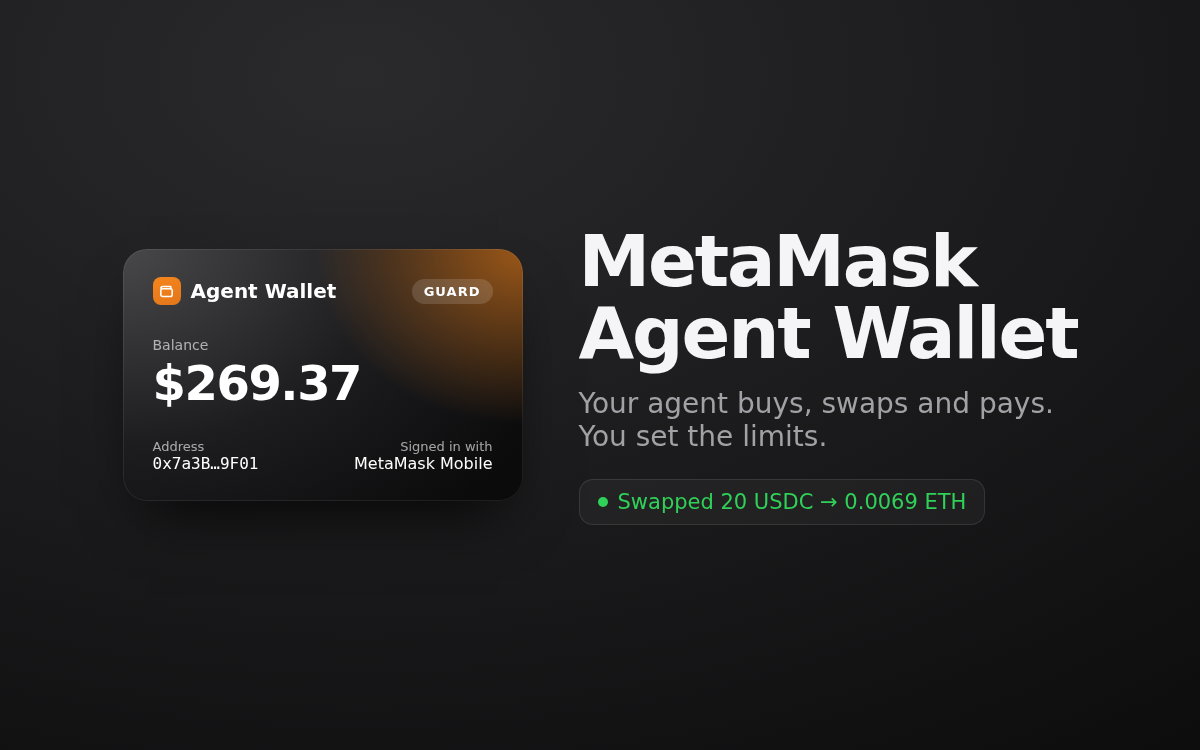
Your agent can research a token, compare swap routes and read a paid API's price. With MetaMask Agent Wallet it can also act on it, from a wallet of its own, inside limits you set.
Set up in two steps on a page linked from your server page: sign in to MetaMask (scan a code with MetaMask Mobile, or use Google or email), then choose how careful the wallet is. Add funds with one tap from MetaMask on your phone, or send to the address from any exchange.
What your agent can do
- Buy crypto: swap the USDC in its wallet into ETH or other tokens, after showing you the quote and fees
- Send tokens on Ethereum, Base, Arbitrum, Optimism, Polygon, Linea and more
- Pay for APIs and data that charge per request (x402)
- Tell you its balance and what it spent, any time you ask
How you stay in charge
- It's a separate wallet: your own MetaMask and its funds are never touched
- Keys stay in MetaMask's secure server wallet, never on your server
- MetaMask simulates and threat-scans every transaction and blocks malicious ones
- Guard Mode (the default): a 24-hour spending limit and allowlists. Anything outside them waits for your approval in MetaMask Mobile or by email
- Your agent's rules: move funds only when you ask, show the price and fees first, never act on a web page or an email
The page shows the balance, assets on every network, recent activity, transactions waiting for your approval, and example requests to try.
How it works: the kit installs MetaMask's official Agent Wallet CLI (@metamask/agent-wallet, pinned) as mm for your agent, and MetaMask's official agent skill. MetaMask Agent Wallet is in early access with MetaMask; sign-in creates the wallet under your MetaMask account. MetaMask is a trademark of Consensys; this kit is not made by MetaMask.
Outbound connections: MetaMask's Agent Wallet services (metamask.io, MetaMask's APIs and sign-in relay), only through MetaMask's CLI, and the APIs your agent pays.
Requires the Hermes agent (choose Hermes when deploying a POCKETCORP) with Node.js 22.18 or newer, which Hermes installs. Installing asks for one sudo approval on your dashboard, for the setup page's background service; turn on auto-approval first for a hands-free install. Uninstalling signs your server out of MetaMask; the wallet and its funds stay in your MetaMask account.