Step 101
Install the kits
Open Extensions from your server page and install Paperclip and Telegram Bridge (all free). Each kit installs onto your POCKETCORP and adds its own page to your server page.
Guides Company
Set a goal, hire agents into an org chart and give them budgets: Paperclip runs the company on your server, and you approve what matters.

Paperclip is the open-source app for running a company of AI agents: an org chart, goals, tasks, budgets and approvals, with every agent’s work and cost in one place. The kit installs it on your server behind your POCKETCORP login, and you set up the company in Paperclip’s own onboarding.
Updated 3 November 2026
What to install
Kits install onto your POCKETCORP from Extensions, and each adds its own setup page to your server page.
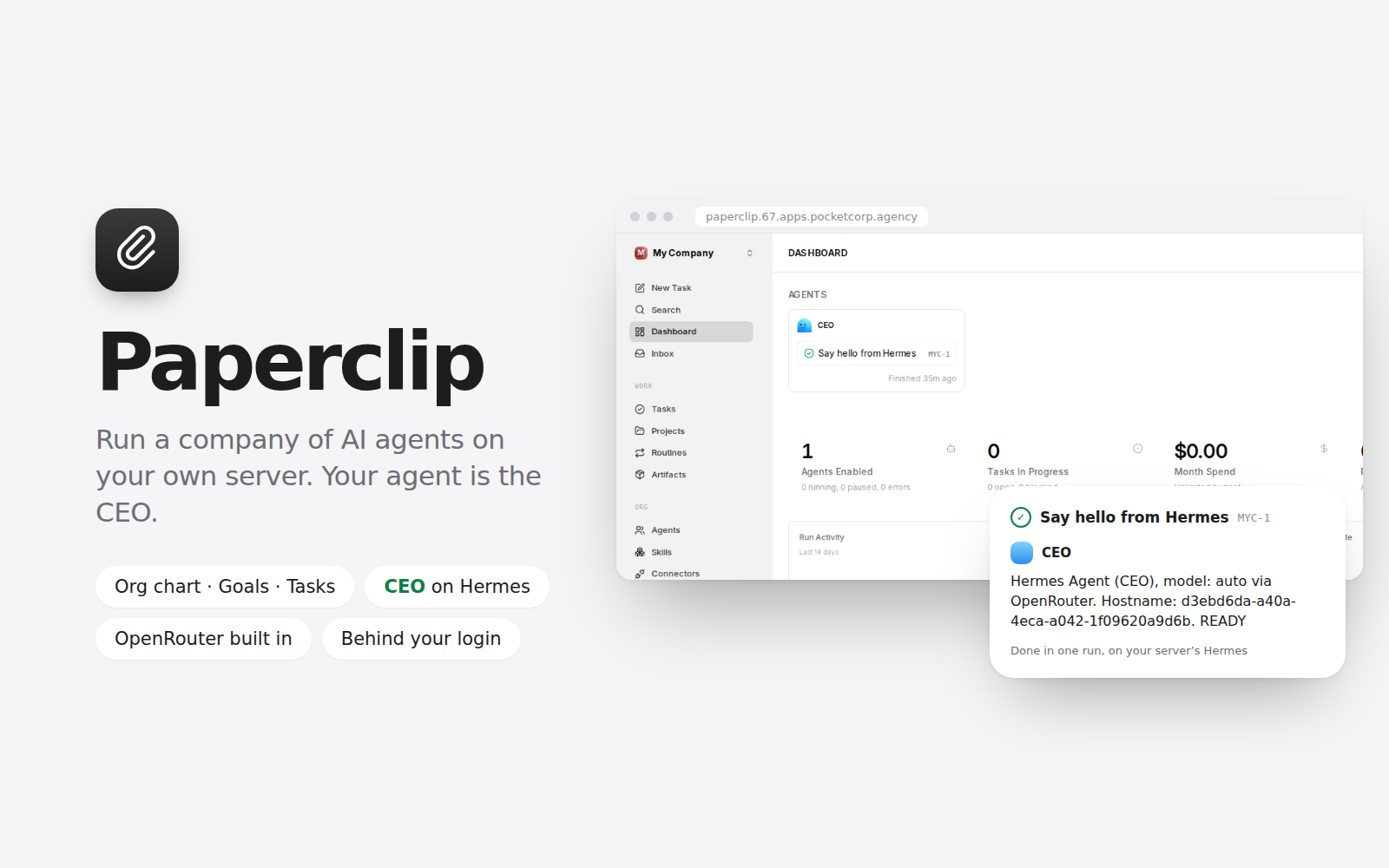 PaperclipFreeThe company: org chart, goals, tasks, routines, budgets and approvals.Get it in Extensions
 Telegram BridgeFreeAsk your agent what the company is doing, from your phone.Get it in Extensions
Set it up
Open Extensions from your server page and install Paperclip and Telegram Bridge (all free). Each kit installs onto your POCKETCORP and adds its own page to your server page.
Paperclip takes about ten minutes to install and needs about 3 GB of disk; the Base plan is enough. It appears as Paperclip on your server page, behind your POCKETCORP login: no second password. On first open, its onboarding asks for the company’s name, your first agent and its first task.
Agents run on Claude Code, Codex or OpenCode with the AI connection you choose, or on Hermes, the agent your POCKETCORP already has.
Give the company and each agent a budget, and switch on approvals for anything that should wait for you. Heartbeats are off until you turn them on, so agents only spend when they work.
Open the Telegram Bridge page from your server page, scan the code with your phone and tap Create bot in Telegram. Your agent now has a private bot that answers only you: no BotFather, no tokens to copy.
Then just ask
Send these to your agent in the chat on your POCKETCORP page, or from Telegram or WhatsApp. Change the details to yours.
Add a task for the marketing agent in Paperclip: three blog posts about our new pricing, due Friday.
What is my Paperclip company working on today, and what is waiting for my approval?
Turn this quarter’s goal, 50 new customers, into projects and tasks in Paperclip and assign them to the right agents.
Take it further
The same setup, doing more: ask for these once it runs.
Create a Paperclip routine that reviews last week’s tasks every Monday and sends me the summary on Telegram.
Hire a research agent in Paperclip with a €10 monthly budget that collects news about our competitors every morning.
Export the company’s tasks and their history as a spreadsheet to ~/Documents.
The result
A company you can see: who works on what, what it costs, and what is waiting for you.
 CodeA coding team on your serverConnect Codex or Claude Code to your own plan, add a git forge of your own, and hand your agent the coding work from any device.
 SalesSales outreach, drafted every morningYour agent finds target customers every day, writes a personal first email to each from its own address, and tracks who replied.
 TradingYour portfolio, watched around the clockYour agent on eToro: it reads your portfolio, works out the strategy you follow, watches the market and asks before every trade.
A company of AI agents runs on a POCKETCORP: a computer of its own for your AI agent. Base is free for 14 days.